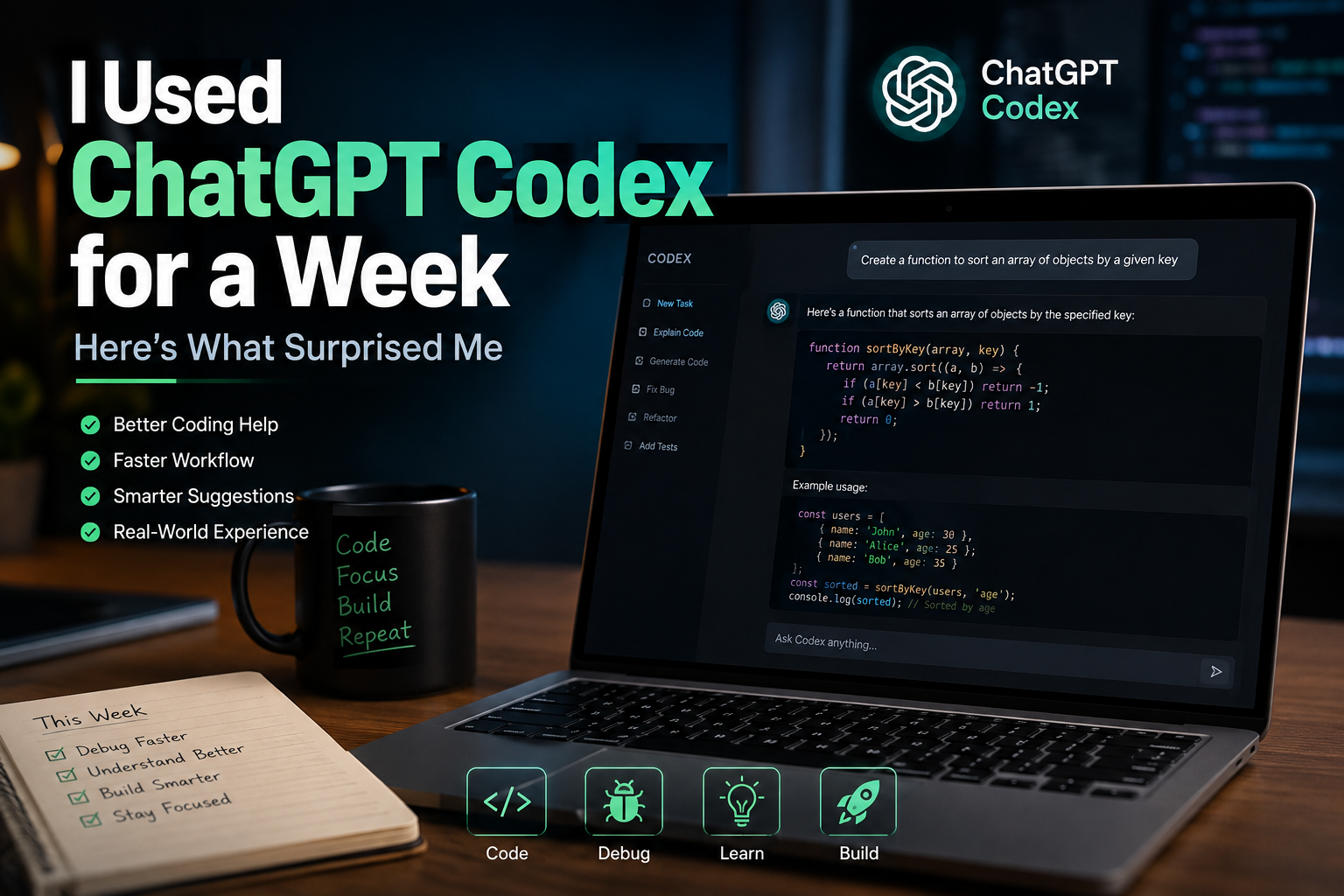
When ChatGPT Codex first appeared in my workspace, I wasn’t trying to replace my editor or completely change how I write code. I simply wanted to know whether it could save time during the small, repetitive tasks that fill a normal workday. So instead of experimenting with unrealistic coding challenges, I used it while working on real projects. Debugging Python scripts, understanding unfamiliar code, generating helper functions, and explaining errors quickly became part of my daily routine. After those first projects, a few things stood out more than I expected
ChatGPT Codex Review: It Changed How I Debug Problems
The biggest surprise wasn’t code generation. It was debugging.
Normally, when I hit an error, I’d search through documentation, Stack Overflow discussions, and GitHub issues before finding the actual cause. With ChatGPT Codex, I found myself spending less time searching and more time understanding the problem. Instead of suggesting random fixes, it often explained why the error happened in the first place.
That made troubleshooting feel more structured. Even when the first suggestion wasn’t perfect, it usually pointed me in the right direction faster than starting from scratch.
ChatGPT Codex Review: Context Makes a Bigger Difference Than Prompts
One lesson became obvious after several coding sessions. Better context produces better code.
When I pasted only a small function, the responses were often generic. Once I included the surrounding logic, project goal, and expected output, the suggestions became much more practical.
This also changed how I write prompts. Instead of asking for code immediately, I began describing the problem first. That small habit consistently produced cleaner answers with fewer follow up corrections.
For beginners, this is probably the easiest improvement to make.
ChatGPT Codex Review: Where It Actually Fits Into Daily Work
Before trying it, I assumed ChatGPT Codex would mostly help with writing new code. That wasn’t how I ended up using it.
Most of my time went into reviewing existing code, simplifying functions, generating test cases, explaining unfamiliar libraries, and checking whether a solution could be improved before committing changes.
Those are small tasks individually, but together they consume a surprising amount of time during a normal development session. Having one place to discuss code, review ideas, and iterate quickly made the workflow feel smoother without changing the tools I already use.
ChatGPT Codex Review: One Mistake Beginners Often Make
A common mistake is expecting ChatGPT Codex to produce production ready code every time.
The better approach is to treat it as a collaborative assistant rather than an automatic developer. I found better results when I reviewed every suggestion, tested the output, and asked follow up questions instead of accepting the first response.
That process not only improved the final code but also helped me understand why a particular solution worked.
ChatGPT Codex at a Glance
| Feature | ChatGPT Codex |
|---|---|
| Best For | Developers |
| Learning Curve | Moderate |
| Free Plan | Limited |
| Real Projects | Yes |
Final Thoughts
After working through my first real projects, I came away with a different perspective. ChatGPT Codex wasn’t most valuable because it wrote code faster. It became useful because it reduced interruptions during development. Whether I was debugging, exploring a new library, or refactoring an existing function, it kept me focused on solving problems instead of constantly switching between search results and documentation. If you’re planning to try it, approach it as a coding partner that supports your workflow rather than replacing your own judgment.