
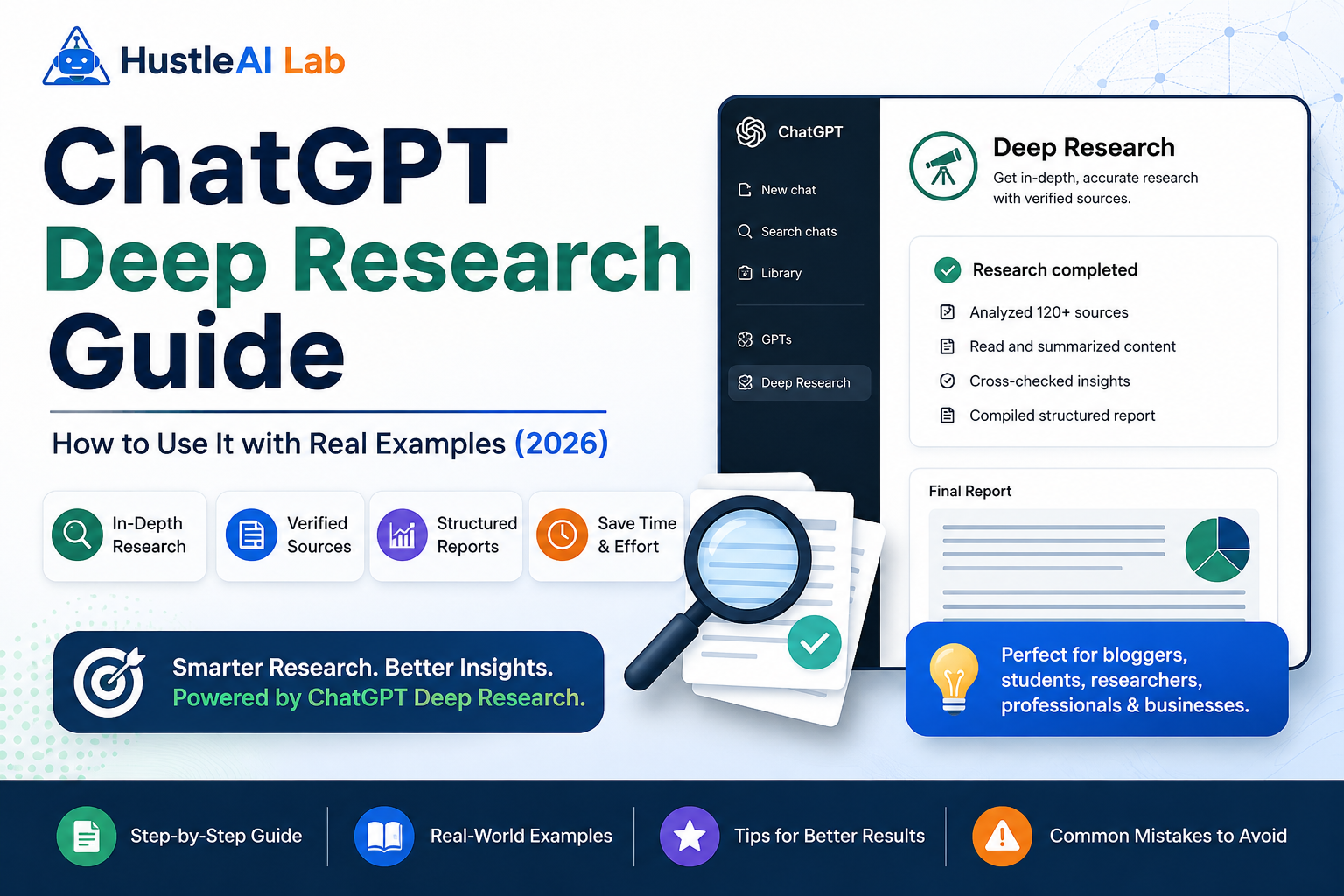
Need more than a quick AI answer? ChatGPT Deep Research can research multiple sources, organize the findings, and generate detailed reports in minutes. Here’s how it works and who should use it.
Introduction
Finding reliable information takes more time than most people expect.
One Google search often leads to dozens of browser tabs, conflicting opinions, and hours of reading. Whether you’re comparing software, researching a purchase, or writing a blog post, sorting through all that information can be frustrating.
That’s where ChatGPT Deep Research comes in.
Instead of giving you a quick answer, it collects information from multiple sources, connects the important details, and presents them in a structured report—helping you spend less time searching and more time making decisions.
What Is ChatGPT Deep Research?
ChatGPT Deep Research is designed for questions that need more than a quick answer.
Instead of searching website after website yourself, it gathers information from multiple sources and turns it into a well-organized report. For example, if you’re comparing project management software, you don’t have to read dozens of reviews or pricing pages.
Deep Research summarizes the key details, highlights the differences, and gives you a clear starting point.While it can save hours of manual work, it’s still important to verify important information before making financial, legal, or business decisions.
Best for:
- Product comparisons
- Market research
- Software evaluations
- Business planning
- Travel planning
Who Should Use ChatGPT Deep Research?
This feature isn’t meant for everyday questions. It’s most useful when you need information from multiple sources.
Bloggers & Content Creators: Research articles faster, collect statistics, compare competitors, and build better content outlines.
Business Owners: Analyze competitors, compare software, research markets, and make informed business decisions.
Students: Understand complex topics, collect references, and prepare assignments more efficiently.
Professionals: Whether you’re in marketing, consulting, HR, or product management, Deep Research helps reduce research time and organize information in one place.
How to Use ChatGPT Deep Research
Getting started only takes a few minutes.
Step 1: Open Deep Research: Start a new chat and select Deep Research.
Step 2: Write a Detailed Prompt: The better your prompt, the better the report.
Instead of saying: Compare laptops.
HAL Insight
Compare the best laptops under $1,500 for software developers. Include battery life, performance, display quality, and value for money.
Step 3: Add Extra Context: If needed, upload PDFs, spreadsheets, or reports. You can also ask ChatGPT to focus on specific websites or recent information.
Step 4: Review the Report: Once the research is complete, read the summary and check the referenced sources. Treat the report as a starting point, not the final answer
Real-World Examples
Here are a few practical ways people use Deep Research.
Writing a Blog Post: Instead of reading ten articles, you can collect key information, trends, and references before writing.
Comparing Products: Research laptops, smartphones, software, or AI tools without manually visiting dozens of websites.
Business Research: Study competitors, explore industry trends, or compare different solutions before making a decision.
Tips for Better Results
- Always verify important facts before using them.
- Be specific with your prompt.
- Mention your target audience or country.
- Ask for comparisons instead of summaries.
- Upload reference files when needed.
Common Mistakes
Avoid these common errors:
- Writing vague prompts.
- Using Deep Research for simple questions.
- Trusting every result without checking the sources.
- Making important decisions without verifying the information.
Pros vs Cons
What I Loved
- Saves hours of research
- Organizes information clearly
- Great for comparisons
- Includes references
Things to Keep in Mind
- Slower than a normal chat
- Not available on every plan
- Important facts still need verification
- Can occasionally miss recent information
Final Verdict
If your work regularly involves research, ChatGPT Deep Research is one of the most valuable AI features available today.
It won’t replace your judgment, but it can eliminate hours of manual research and help you reach better decisions much faster.
For bloggers, students, business owners, and professionals, it’s a feature that’s well worth learning.